
Web Applications in Melbourne & Worldwide
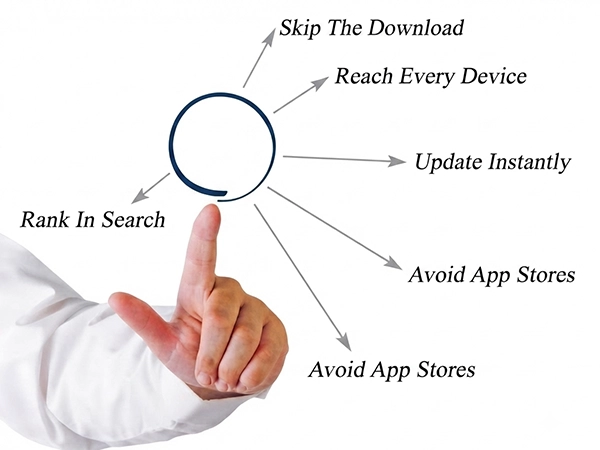
Web Applications Built for Easy Access
Arrowbyte develops web applications that users can access directly through a browser without requiring a traditional app installation. We focus on responsive design, practical functionality and solutions that fit your business requirements.
- Browser-Based Access – Use your application directly through a web browser.
- Responsive Experience – Designed for desktop, tablet and mobile users.
- Easy Updates – Make changes through a central application environment.
- Flexible Development – Build features around your business requirements
Web Applications Built for Modern Businesses
Arrowbyte develops web applications that customers can access through a browser without installing a traditional mobile app. We focus on responsive design, practical functionality and an experience that works across desktop, tablet and mobile devices. Each solution is developed around your business needs, users and existing technology.

Understanding Web App Limitations
Web applications offer easy access through a browser, but they may not provide every feature available in a native mobile app. They can also depend on an internet connection for full functionality. Arrowbyte considers these factors when recommending and developing the right solution for your business.
- Device Features – Some hardware features may require native app support.
- Internet Access – Some functions may depend on an active connection.
- Performance Needs – Complex tasks may be better suited to native applications.
- Notifications – Notification features can work differently across platforms.
Web Applications Designed for Your Business
- Build responsive web applications for your customers
- Test performance across common browsers and devices
- Add functionality based on your business requirements
- Make applications easy to use and maintain
- Plan for future updates and changing user needs
Software Development

+61 491 979 548