
CRM & ERP in Melbourne & Worldwide
When a Sale Closes, Your Systems Should Stay in Sync
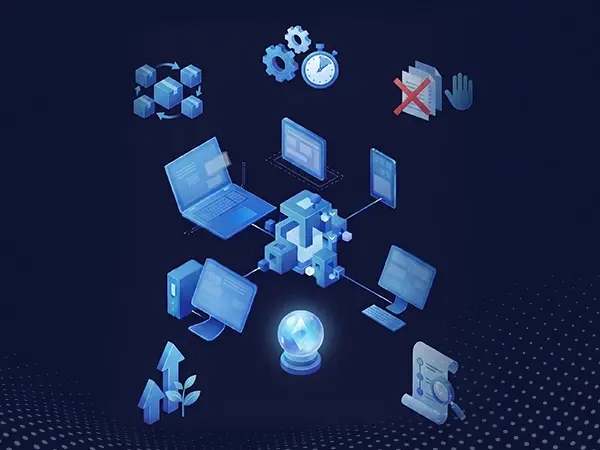
When a deal is closed, the information often needs to reach inventory, invoicing, delivery, and other systems. Updating each system manually takes extra time and can lead to missed or incorrect entries. A connected CRM and ERP setup can move the information between systems automatically, keeping your records more consistent and reducing repetitive work.
Sync Sales and Stock
Keep sales and inventory records updated across systems.
Speed Up Quoting
Create quotes using current pricing information.
Reduce Manual Entry
Enter customer details once and use them across systems.
Keep Records Consistent
Give teams access to the same updated information.
Track Customer History
Keep orders, invoices, and service records connected.
Support Business Growth
Manage more accounts without increasing repetitive manual work.
Sales Data And Financial Data Were Never Meant To Sit Apart
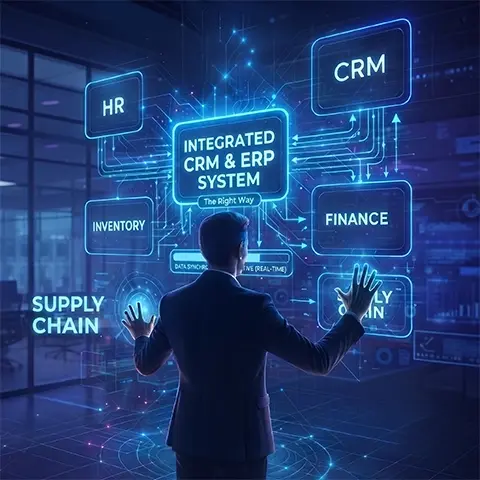
Your CRM contains customer demand data. Your ERP manages delivery and billing capabilities. Keeping these separate means neither team has access to complete information required to serve a customer properly. Arrowbyte connects both systems properly, so a sale, an invoice and a delivery all update from a single action, not multiple steps. If disconnected systems are reducing the efficiency of your sales and finance teams, contact us for a free CRM and ERP consult.
Disconnected Systems Create Extra Work
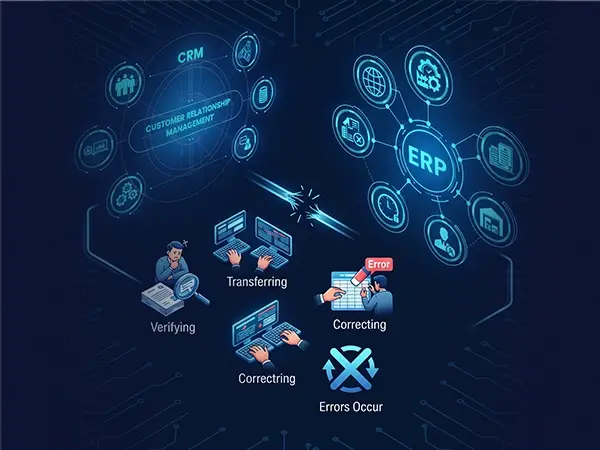
When your CRM and ERP do not share information, teams often spend extra time checking, transferring, and correcting data. This can slow down daily tasks and make it harder to keep records consistent across sales and finance.
- Duplicate data entry wastes staff hours
- Mismatched records create confusion between sales and finance teams
- Manual checks delay order fulfilment significantly.
- Inconsistent data undermines accurate forecasting
Connect Your CRM and ERP Seamlessly
- Map the data that needs to move between both systems.
- Set clear rules for when information should be updated.
- Test the connection with real orders and customer records.
- Give teams access to relevant sales, stock, and pricing data.
- Keep important customer information consistent across systems.
- Review the integration when your processes or products change.
Services
+61 491 979 548