
Android Apps in Melbourne & Worldwide
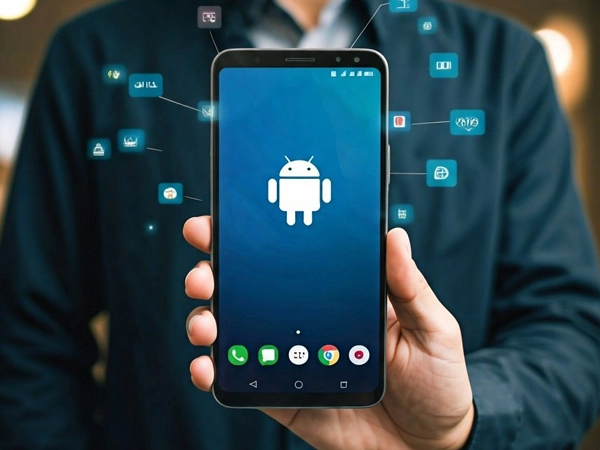
Android Devices Require Broad Compatibility Testing
Android runs on tens of thousands of phone models from dozens of manufacturers. Unlike Apple’s small range of devices, each with different screen sizes, hardware and custom software layers. An app that performs correctly on one device may experience compatibility problems or display issues on another. Arrowbyte tests across real Android devices, not just one phone, so your app works reliably across a wide range of Android devices.
Test Real Devices
Checked across major brands, not just one
Handle Screen Variety
Layout adapts to different sizes and resolutions
Support Older Versions
Works on phones running older Android updates
Account For Custom Skins
Tested against manufacturer interface customisations
Optimise For Performance
Runs smoothly across different processor capabilities
Maintain Compatibility
New Android versions tested before wide release
User Interfaces Support Device Compatibility
Android’s wide device ecosystem introduces additional compatibility requirements. Arrowbyte builds using adaptive layouts that automatically adjust to different screen sizes and resolutions, so the application provides a consistent user experience across a broad range of Android devices. Connect with us for a free Android app consultation if device inconsistency is causing complaints.

Limited Device Testing Increases Compatibility Risks
An application that performs correctly on a developer’s test device may behave differently on another manufacturer’s device or an older Android version. These issues are often identified only after users begin interacting with the application across different devices.
- Layout inconsistencies occur on non-standard screen sizes
- Manufacturer interface customisations may affect application behaviour
- Older Android versions may not support newer functionality
- Compatibility issues may emerge on untested devices after deployment
Building An Android App That Works Everywhere
- Test on real devices from multiple manufacturers, not emulators alone
- Support Android versions still used by a meaningful share of customers
- Use adaptive layouts that adjust to different screen sizes automatically
- Check app behaviour against major manufacturer interface customisations
- Monitor crash reports after deployment to identify device-specific compatibility issues
- Retest against new Android releases before customers update their phones
Mobile Development
+61 491 979 548