
Admin Dashboards in Melbourne & Worldwide

Business Decisions Depend On Access To Current Data
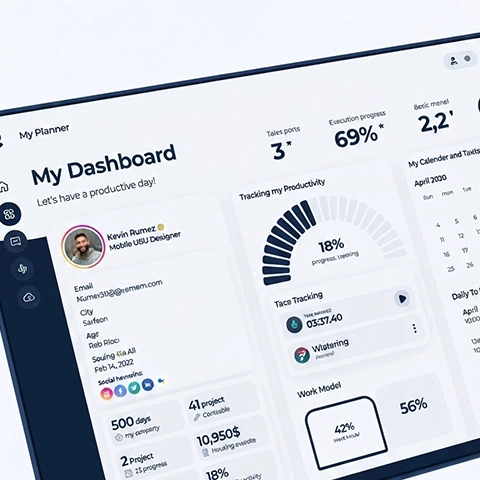
A manager needs to check sales, stock and staff hours before making a decision, but that information sits in three different spreadsheets updated at different times. By the time the information is consolidated, the decision may no longer be timely. An admin dashboard brings this information into one screen, updated automatically, so decisions are based on current information rather than outdated reports. Arrowbyte builds admin dashboards designed to:
See Everything At Once
Sales, stock and staff data in one screen
Skip Manual Reports
Eliminate manual report preparation across multiple spreadsheets
Spot Problems Early
Identify unusual data before it develops into larger operational issues
Control Who Sees What
Each role views only relevant information
Update Automatically
Numbers refresh without anyone re-entering data
Compare Time Periods
See performance changes across weeks or months
An Effective Dashboard Supports Faster Decision-Making
A cluttered dashboard containing every available metric is no more effective than having no dashboard at all. Arrowbyte builds each dashboard around the specific decisions your team actually makes, so the right information is immediately available when required. Contact our team today for a free admin dashboard consult.
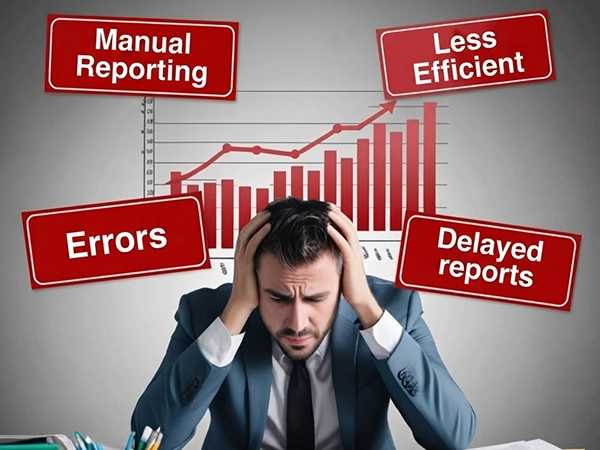
Manual Reporting Becomes Less Efficient As Businesses Expand
Spreadsheet reports work well with a small team and limited operational data. Once information comes from multiple systems and departments, manual report preparation requires significant staff time each week.
- Manual updates fall behind real activity fast
- Different teams work from different, unmatched numbers
- Errors occur during manual copying
- Delayed reports reduce the timeliness of business decisions
Building An Effective Admin Dashboard With Arrowbyte
- Start with the exact decisions your team makes each week
- Show only the numbers relevant to each person’s actual role
- Connect data sources directly, instead of manual exports and uploads
- Set alerts for numbers that fall outside defined operational thresholds
- Keep the layout simple, since overly complex dashboards reduce usability
- Review which metrics actually get used, and remove the ones that don’t
Web Development
+61 491 979 548